AdGuard VPN is a rare find. Here’s why
By choosing a VPN, users most frequently evaluate its speed, security, and price. Indeed, those are very important points. But if you take a closer look, you'll find so much more! There are 10 key assets that make AdGuard VPN unique. Let’s look at each of them separately to see why AdGuard VPN is one of a kind and how to use it to its fullest extent.
To start with, let’s go over AdGuard VPN’s unmatched features that you won’t find in any other VPN.
1. Proprietary protocol
From the very outset, we resolved to develop and deploy an in-house VPN protocol instead of picking a canned solution — that’d be too easy. Plus, we weren’t satisfied with existing protocols. The result has become the AdGuard VPN protocol.
When choosing a VPN service, people often have to make a trade-off between fast vs. safe, but not in the case of the AdGuard VPN protocol. Now that it's a perfect blend of speed and security, you don’t have to bear slow Internet connection or make privacy sacrifices. Among other things, it disguises itself as regular traffic that's hard to detect or block.
2. Website and app exclusions
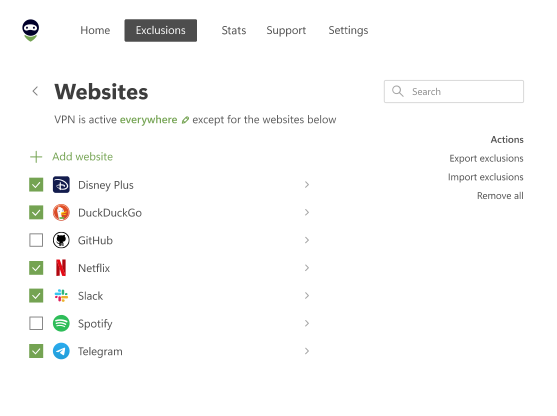
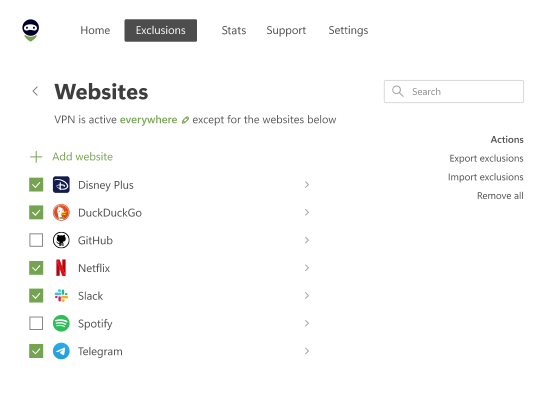
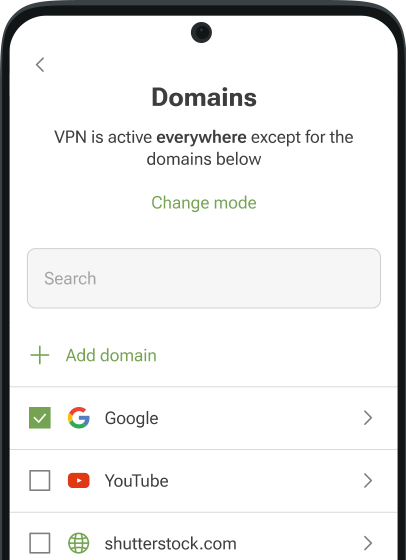
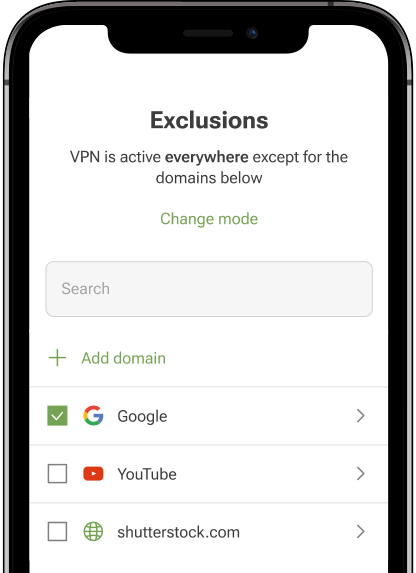
There are situations where you don't need your VPN to be active: for instance, when you're ordering food or using maps. For this reason, AdGuard VPN has a special feature: Exclusions.
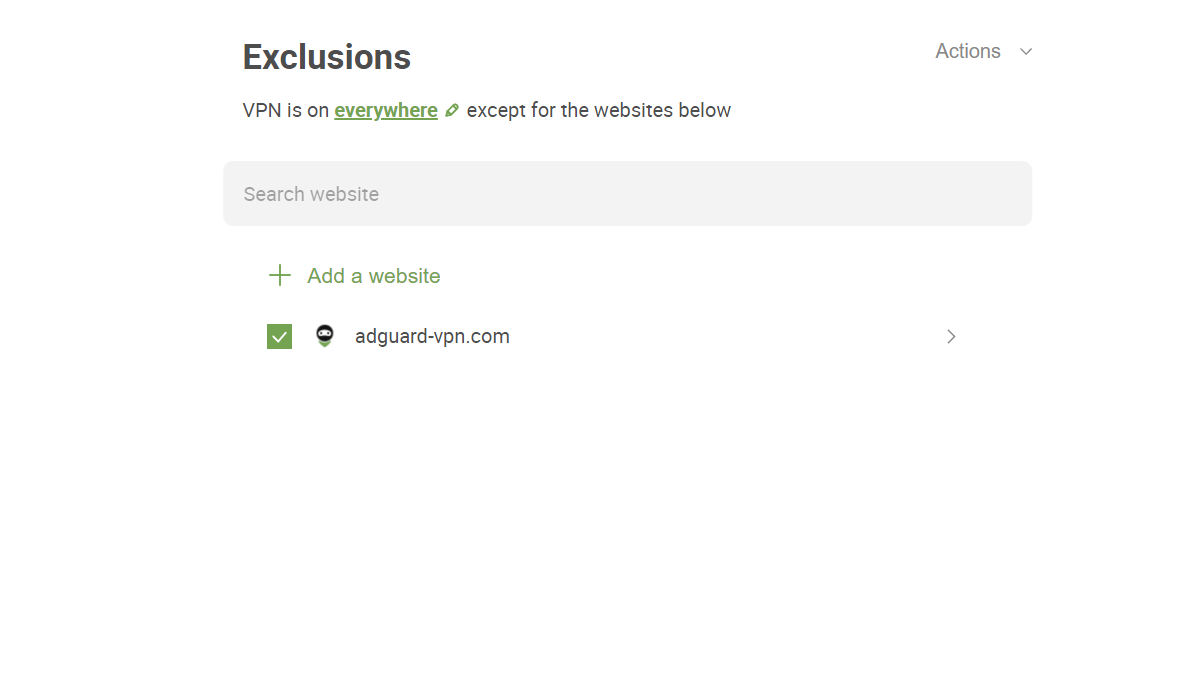
You can activate AdGuard VPN selectively — only for certain websites or apps. This option is for those who use a VPN service only in specific situations: to enter a blocked website, use an app or watch a TV show that's not available in their country, or not to expose their data when visiting some websites. Turning a VPN on selectively also helps save VPN traffic.
If you prefer absolute anonymity in most cases, you can activate AdGuard VPN everywhere except for the excluded websites or apps. Just add your food delivery apps and utility payment websites to Exclusions — for them, VPN will be off.
3. Block ads and trackers with a DNS server
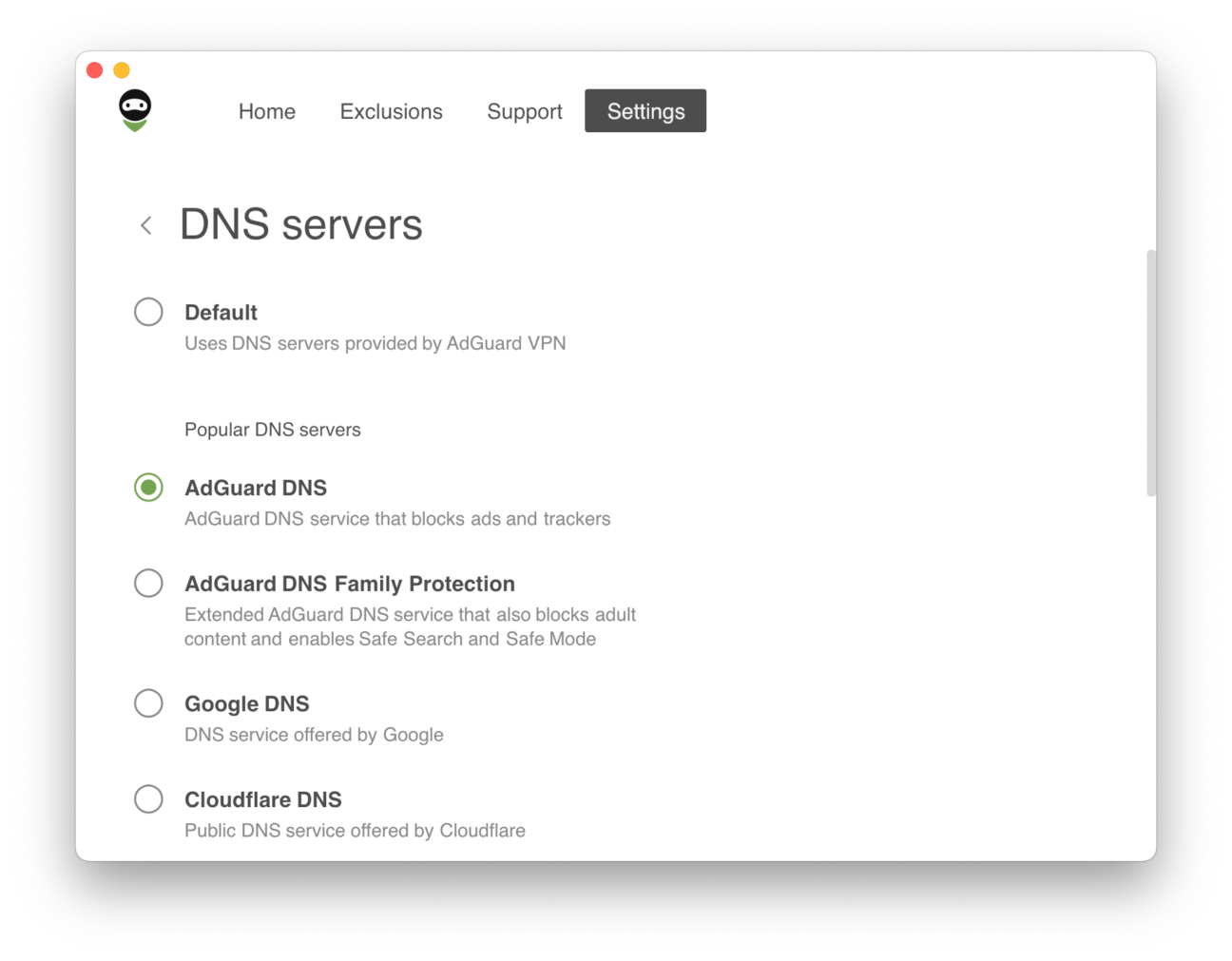
Relying on the DNS server provided by your ISP by default is not safe: your ISP most likely has access to your browsing history. With the AdGuard VPN app, you can choose a secure and encrypted DNS server from known DNS providers, such as AdGuard DNS, Cisco, Cloudflare, Google, or Quad9, or even add your own DNS server.
We recommend using an AdGuard DNS server: it blocks ads and trackers and protects your device from malware.
4. Fastest locations
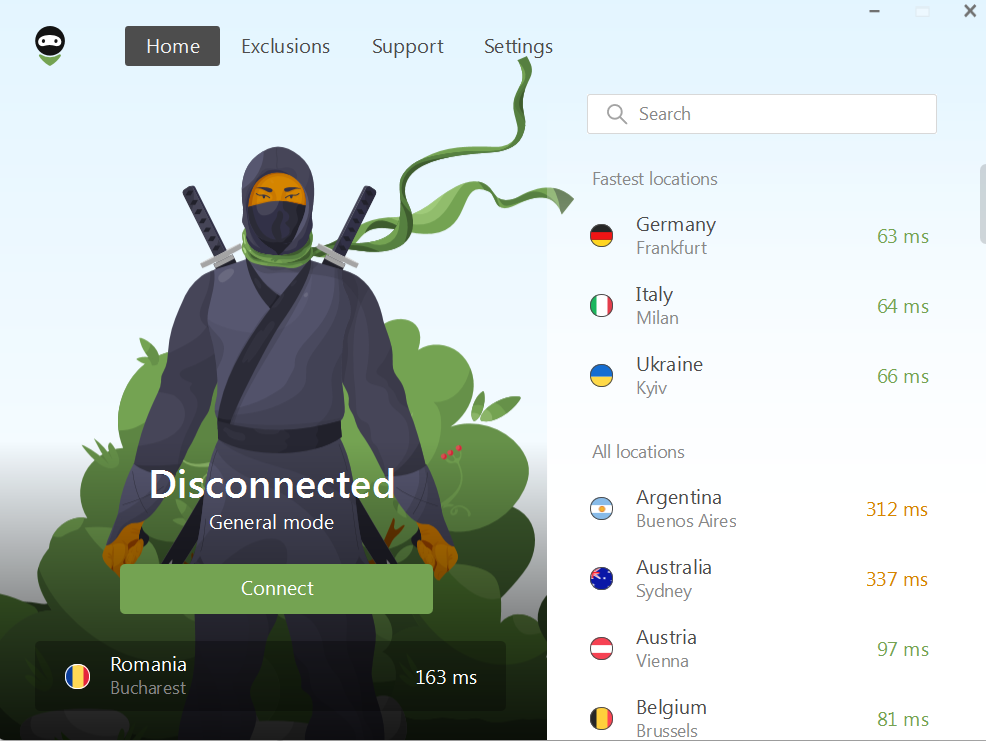
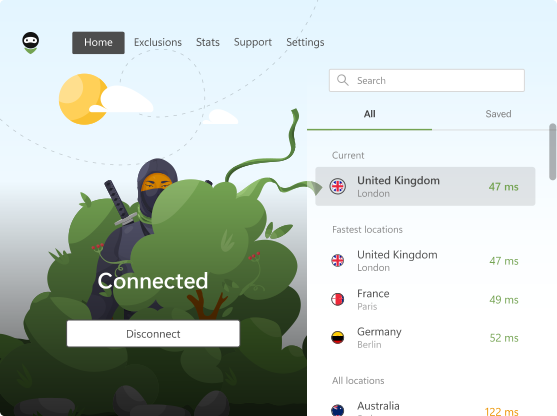
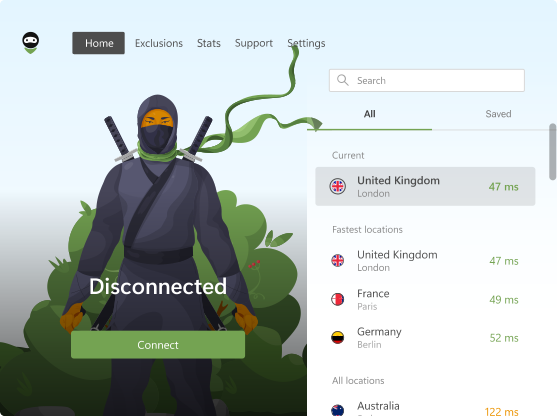
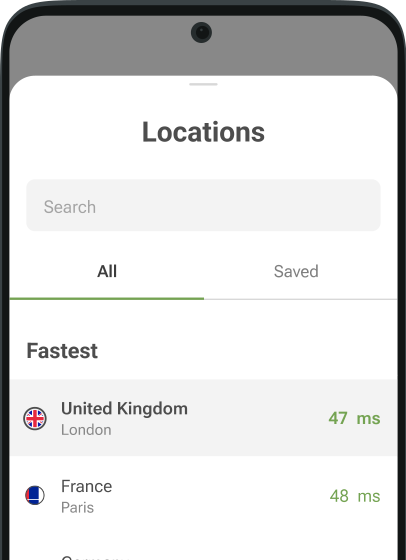
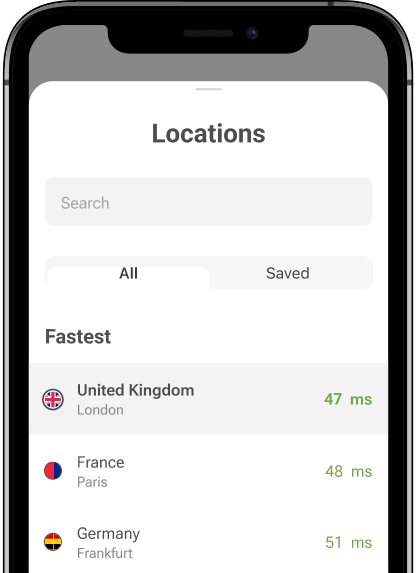
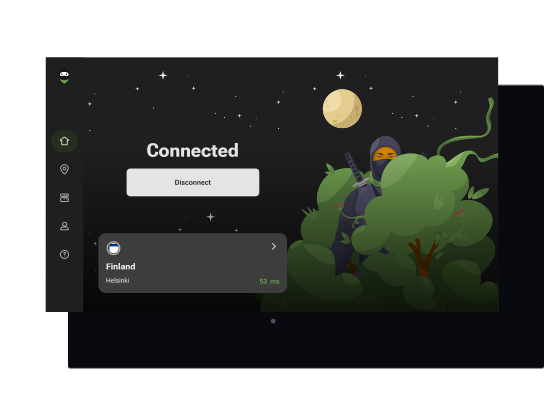
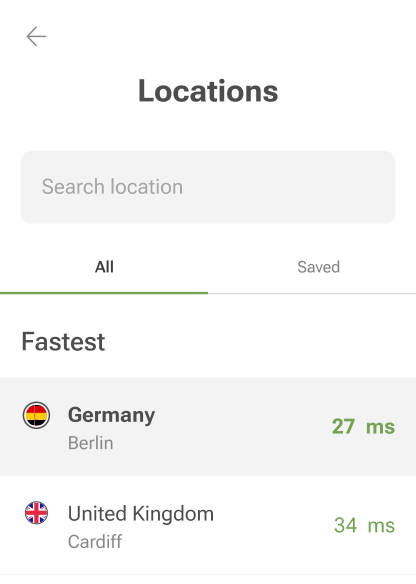
Another stand-out feature of AdGuard VPN is that you can select a location based on its ping. In a nutshell, ping is the time it takes the data packet sent from your computer to reach the server and return. When in doubt, use a rule of thumb: the lower the ping, the closer the server, the higher its speed. We are constantly expanding the number of locations so that you can choose from a variety.
All VPN server locations are available with an AdGuard VPN subscription.
5. Integration with AdGuard Ad Blocker
With desktop apps and browser extensions, this goes without saying — there are rarely any conflicts between apps, save for antiviruses and other similarly oriented software.
With mobile devices, hovewer, it’s not that simple. In the vast majority of cases, two VPN-based apps will not work together. Both in Android and iOS, there are limitations that prevent it.
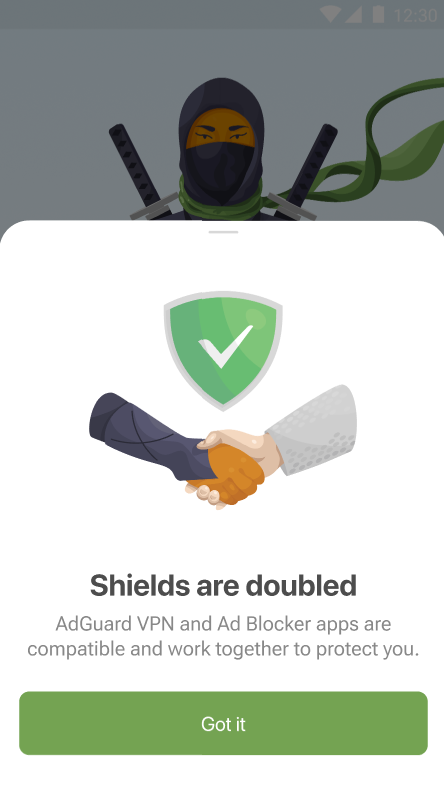
However, we managed to find a solution to befriend AdGuard VPN and AdGuard Ad Blocker. If you have both AdGuard apps installed on one device, they automatically become compatible without any input required from you. This is a unique opportunity to take advantage of two sets of features, which you would normally have to choose between.
6. QUIC support
QUIC is a cutting-edge protocol that has many perks. The main advantage is it can improve the connection quality in non-ideal conditions – for example, on mobile devices or when connecting to public Wi-Fi. Although the new protocol won’t affect speed when the connection is fine and stable, it will definitely make the situation better for users with slow Internet.
The QUIC protocol is rather new and may be unstable. We cannot guarantee its complete reliability for every case.
Now let’s switch to the item set that any decent VPN can't do without.
7. Kill Switch
Kill Switch is essential, if you, for instance, often use a mobile network or connect to public Wi-Fi networks in malls, cafes, on the subway or at the airport. The reason is simple: if VPN suddenly drops and the connection becomes insecure, chances are that your sensitive information will be exposed to fraudsters or cyber criminals.
If for some reason your VPN connection is interrupted, Kill Switch will automatically disconnect you from the Internet, keeping attackers away from seizing your information.
8. Ten simultaneous connections
With an AdGuard VPN subscription, you can connect up to ten devices simultaneously — and that's a feature we're really proud of.
Some VPN providers only allow to log in to their service on ten devices max. With AdGuard VPN, it doesn't matter on how many devices you log in to your AdGuard account, but you can have ten VPN connections enabled at the same time.
Those who don’t have a subscription, can use AdGuard VPN on two devices simultaneously, which gives us another trump card to play against competitors: most free VPN services only allow you to use one device at a time.
9. Secure streaming
Streaming services don't like VPNs for obvious reasons: according to statistics, about 20% of users install a VPN mainly to watch shows, TV shows, and movies, bypassing geo-blocking. That's why streaming platforms tend to do everything they can to track VPN traffic and block it.
But what if you want to feel safe while watching content specific to your region? Or don't want to stop watching exciting series even when you travel to another country? The answer is simple — AdGuard VPN, which can remain invisible to services thanks to its unique protocol.
We don't endorse the use of AdGuard VPN to bypass copyright regulations.
10. Dark mode
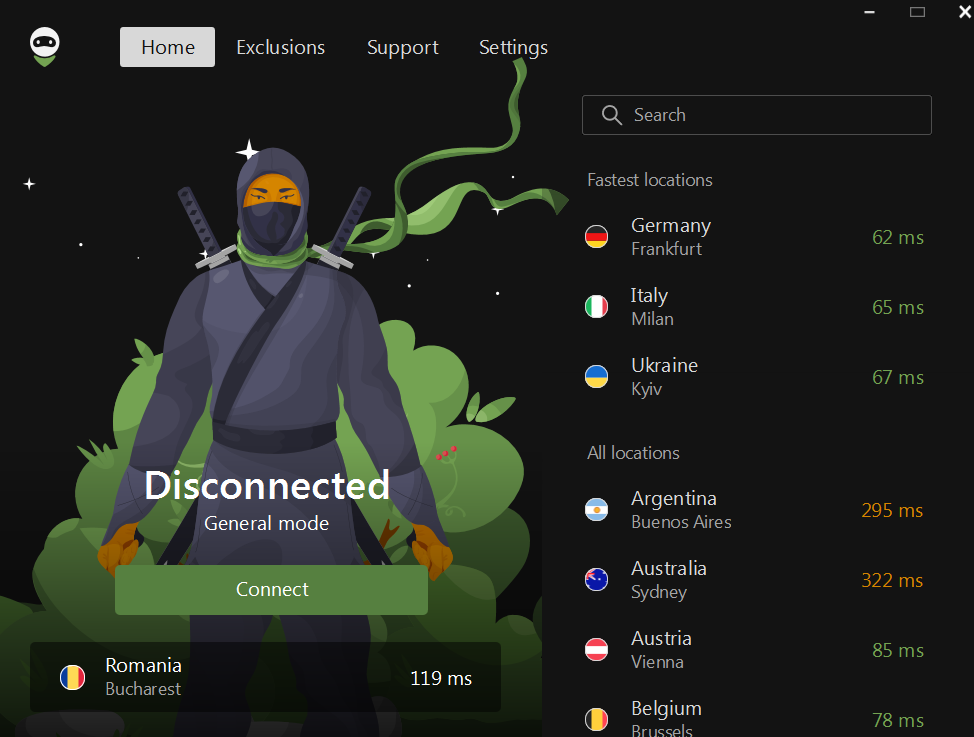
This little “feature” deserves a special mention. In fact, many users crave for dark mode, so we couldn’t ignore it and added a theme switch for all AdGuard VPN products. Choose the one you like more — light, dark, or system. On the dark side, it's also nice!
AdGuard VPN is currently available as a desktop app for macOS and Windows, mobile app for iOS and Android, and as a browser extension for Chrome, Firefox, Opera, and Edge. Give it a try and feel free to drop us a line about your experience by leaving a review in a relevant app store or joining the discussion on any platform.